Powerful Features for Designers
Precise gradients for modern web design. Build, test, and ship production-ready color systems in minutes — not hours.
Everything You Need to Create Pixel-Perfect Gradients
ChromaKit packs four essential tools into one streamlined interface. Every feature is designed to eliminate guesswork and accelerate your design-to-development handoff.
Real-Time Preview
See your gradient render instantly as you adjust stops, angles, and opacity. The live canvas updates at 60fps with zero lag, so you can iterate freely without refreshing or waiting. Preview across light and dark backgrounds with one toggle.
Multi-Stop Gradients
Add up to 12 color stops per gradient with precise position control down to the decimal. Supports linear, radial, conic, and repeating gradient types. Drag stops directly on the color strip or input exact percentages in the panel.
Contrast Checker
Automatically evaluate foreground-to-background contrast ratios against WCAG 2.2 AA and AAA standards. The checker samples at every point along your gradient, flagging regions that fall below 4.5:1 so you can adjust stops before shipping.
Export Options
Generate production-ready CSS, SCSS, Tailwind utility classes, or SVG definitions in one click. Export includes fallback hex values and vendor prefixes. Copy to clipboard, download as a `.css` file, or push directly to your design token library.
Built for Speed, Precision, and Collaboration
ChromaKit replaces scattered browser extensions, manual CSS editing, and static gradient palettes with a single workspace that keeps your entire team aligned.
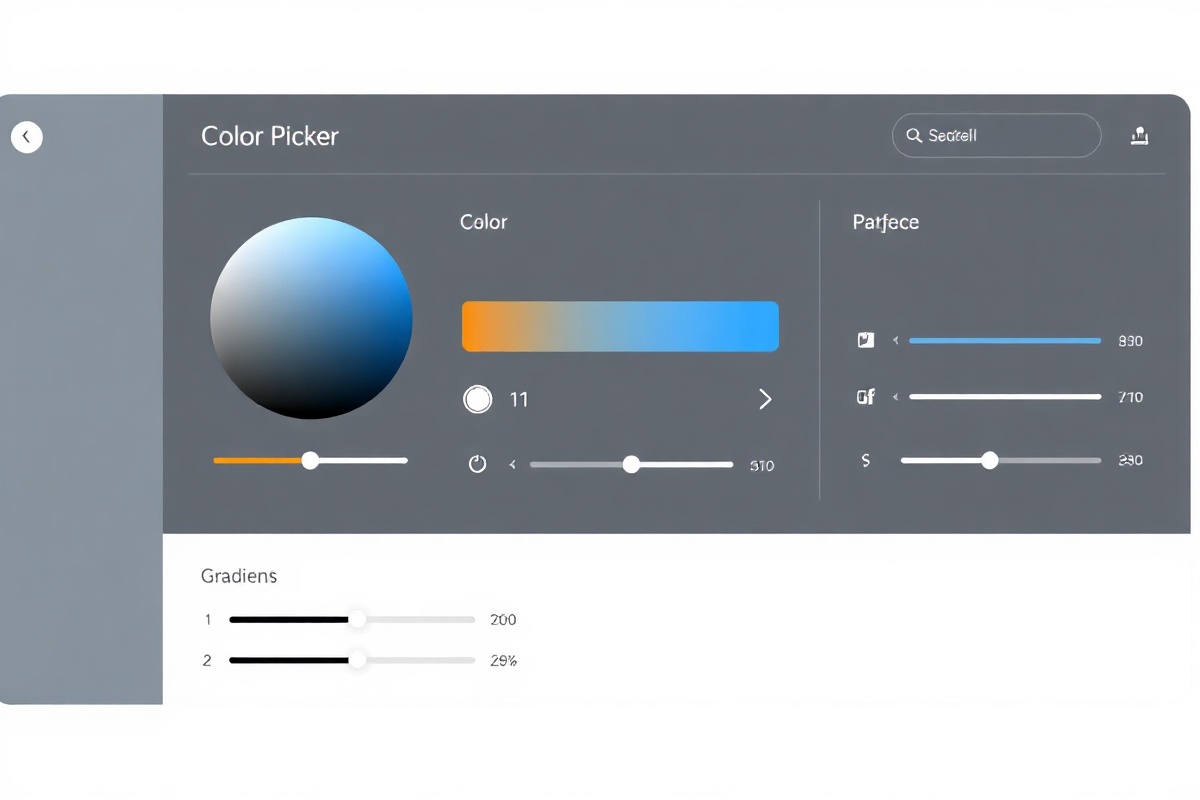
The dashboard gives you a bird's-eye view of every gradient project. Pin your most-used palettes to the sidebar, share live preview links with stakeholders, and track version history across 200+ saved compositions. Teams at agencies like Pixel & Beam and Studio Meridian report cutting their gradient iteration time by 60% after adopting ChromaKit as their default color workflow.
Under the hood, ChromaKit's engine computes perceptual color distance using CIEDE2000, ensuring that every gradient step feels smooth to the human eye — not just mathematically linear. The built-in color-blindness simulator lets you preview your gradients under deuteranopia, protanopia, and tritanopia profiles before they go live.
See How ChromaKit Stacks Up
Compare ChromaKit's feature set against manual CSS editing and free online gradient generators. The difference is in the details that matter at scale.
Manual CSS Editing
Write `background: linear-gradient(...)` by hand, guess stop positions, and refresh the browser after every change. No contrast validation, no version history, and no way to share a work-in-progress with your developer. Typical time per gradient: 15–25 minutes.
Free Online Generators
Limited to 3–4 color stops, basic linear-only output, and no accessibility checking. Export is usually raw CSS with no SCSS or Tailwind support. Data stays on third-party servers, and there's no account system to save or organize your work over time.
ChromaKit
Up to 12 stops, four gradient types, real-time WCAG contrast analysis, and exports to CSS, SCSS, Tailwind, and SVG. Every project is saved to your account with full version history. Shareable preview links, team workspaces, and a color-blindness simulator are included at every tier. Average time per gradient: 3–5 minutes.